Просмотр новости
Найдите то, что Вас интересует
 Спутники
 РН
РН SpaceX
 Роскосмос
 NASA
NASA
СпутникиРНSpaceXРоскосмосNASA
A software update early next week will fix the reboot bug affecting some iPhone 18 Pro units after a failed Face ID scan.
(via Cult of Mac - Your source for the latest Apple news, rumors, analysis, reviews, how-tos and deals.)
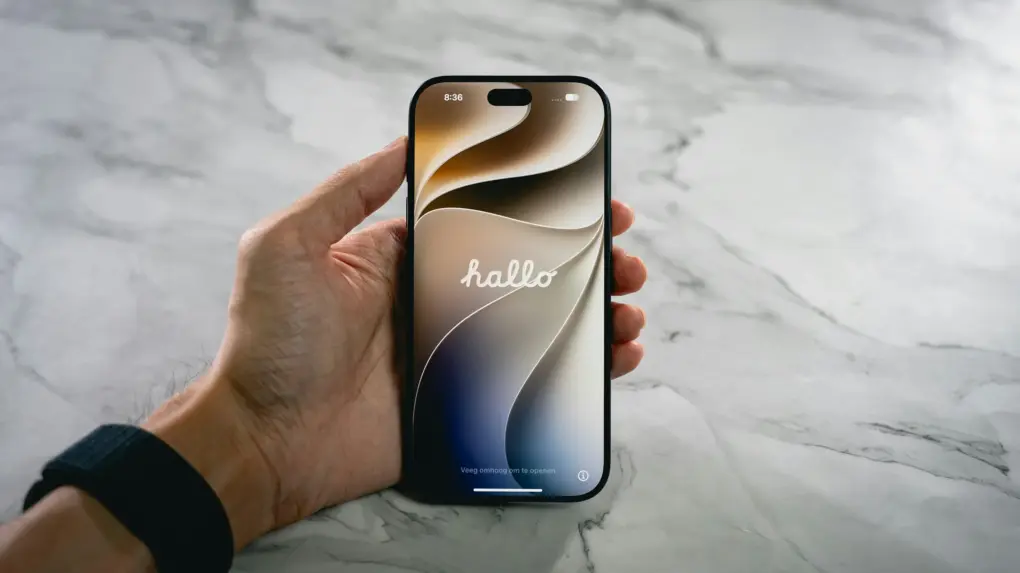 Face ID fails. iPhone 18 Pro reboots.
 Apple is preparing a software update to fix a bug that causes the iPhone 18 Pro and iPhone 18 Pro Max to restart unexpectedly. This typically happens after a failed Face ID scan, causing the phone to freeze and reboot.
The company plans to roll out the bug-fixing iOS 27 build early next week.
Face ID failures can trigger an iPhone 18 Pro rebootEvery new iPhone launch is accompanied by a slew of bugs. That’s the case with iPhone 18 Pro and iPhone 18 Pro Max as well.
Many early adopters complain about Face ID failing to unlock the phone. In some cases, this leads to the device freezing and becoming unresponsive to touch inputs. Eventually, the device reboots.
Apple confirmed to 9to5Mac that it’s aware of the problem and will roll out a fix in the week beginning September 28.
The company pushed the watchOS 27.0.1 update yesterday to address a similar reboot bug plaguing the Apple Watch Series 12 and Ultra 4.
The iPhone 18 Pro and iPhone 18 Pro Max already received a day-one software update. But this one will likely be numbered iOS 27.0.1 and could fix other big underlying bugs.
If you are facing a similar reboot issue on your iPhone 18 Pro or Pro Max, don’t get it replaced by Apple thinking it’s caused by defective hardware. Instead, wait for iOS 27.0.1 to land to see if it resolves the problem.
In the meantime, if your iPhone freezes, press and quickly release the volume up button, then the volume down button. Hold the side button until the Apple logo appears. Once Apple releases the fix, check Settings > General > Software Update to install it.
Rajesh has been writing about consumer technology for over a decade, with a strong focus on iPhones, Macs and Apple’s ecosystem. He enjoys digging into Apple software updates, hardware changes, and discovering new Mac apps that make work faster and more enjoyable.
You can reach out to him at mail[at]rajeshpandey.me.

| # | Наименование новости | Тональность | Информативность | Дата публикации |
|---|---|---|---|---|
| 1 | iPhone 18 Pro owners report two serious bugs causing freezes and restarts | 0 | 13.12 | 21-09-2026 |
| 2 | iPhone 18 Pro and iPhone 18 Pro Max preorders begin | 0 | 26.83 | 12-09-2026 |
| 3 | 3 reasons why the iPhone 18 won’t launch this fall | 0 | 5 | 08-07-2026 |
| 4 | iPhone 18 could bring Pro-level features to Apple’s base model | 0 | 24.38 | 13-08-2026 |
| 5 | iPhone 18 Pro’s clever new camera comes with a big repair downside | 0 | 26.67 | 21-09-2026 |
| 6 | 6 reasons to skip the iPhone 18 Pro this year | 0 | 29.91 | 15-09-2026 |
| 7 | How Apple gets iOS 27 onto millions of iPhone 18 Pro units in time for launch | 0 | 20.28 | 16-09-2026 |
| 8 | iPhone 18 Pro Max battery might get bigger battery (but 18 Pro won’t) | 0 | 5 | 07-07-2026 |
| 9 | iPhone 18 Pro & Pro Max leaks: All the biggest rumors so far | 0 | 5 | 09-07-2026 |
