Просмотр новости
Найдите то, что Вас интересует
 Спутники
 РН
РН SpaceX
 Роскосмос
 NASA
NASA
СпутникиРНSpaceXРоскосмосNASAGoogle Messages now lets you use Circle to Search to instantly scan text messages for red flags and potential scams.
Read the original post: New Google Messages Feature: Circle to Search a Message to See if It’s a Scam

Google just gave you a pretty powerful new tool to check for scam messages in Google Messages. You know Circle to Search? You can use it to try and identify potential scams now.
I’m not sure why Google didn’t announce this yesterday as a part of their Android security update for Google Messages, but this is super neat. Circle to Search has been one of the best new Android features in years and this only adds to its usefulness, especially with spam and scam texts on the rise.
How do you Circle to Search in Google Messages to check for scams?To give this a try, you’ll open your Google Messages app, find a message you are curious about, long-press on your home button or navigation bar, and then after the Circle to Search animation activates, you’ll circle the message.
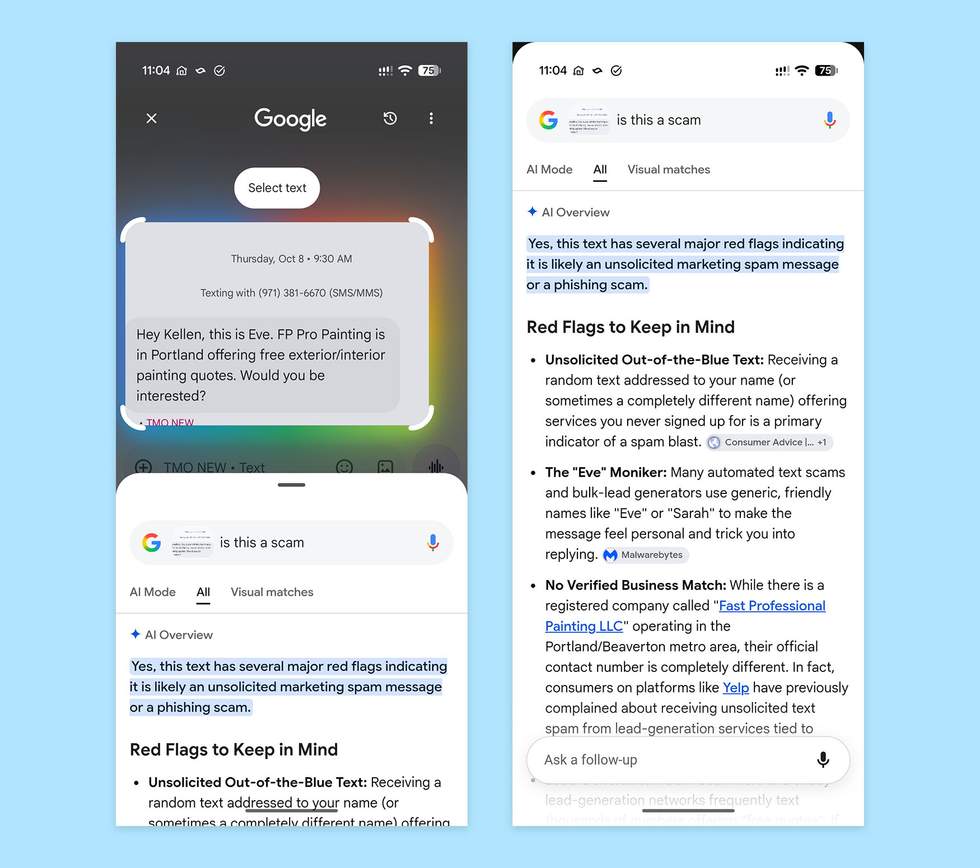
From there, Google will fire up an AI Overview with guidance and insights about the message. It could even offer next steps if it believes it is a scam, like whether or not you should consider deleting the message and blocking the number.
In the example above, you’ll see an unsolicited spam message I received from someone claiming to be a painting company that wanted to come to my house for a quote. Circle to Search agrees that this is a scam and then lists out several red flags from it.
Of course, if the message is fine, it will hopefully realize that and give you some peace. Below, I tried it on another message and it said, “No, this text is highly likely to be a legitimate, official alert rather than a scam.” Nice.
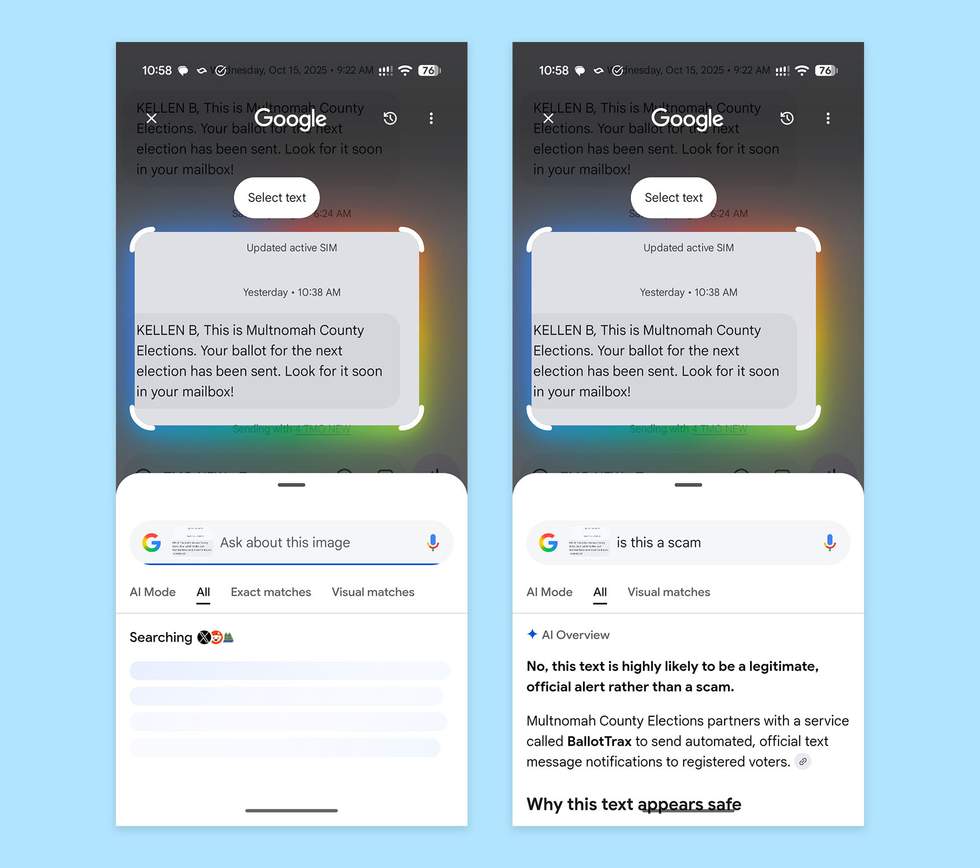
This should be live now on your Android phone, as long as it supports Circle to Search.
Add Droid Life on Google:

Droid Life was started in 2009 and I can't believe we're still here. I've written over 20,000 stories on Android, reviewed thousands of devices, and still find some passion in a dying world of AI.
Previous Post
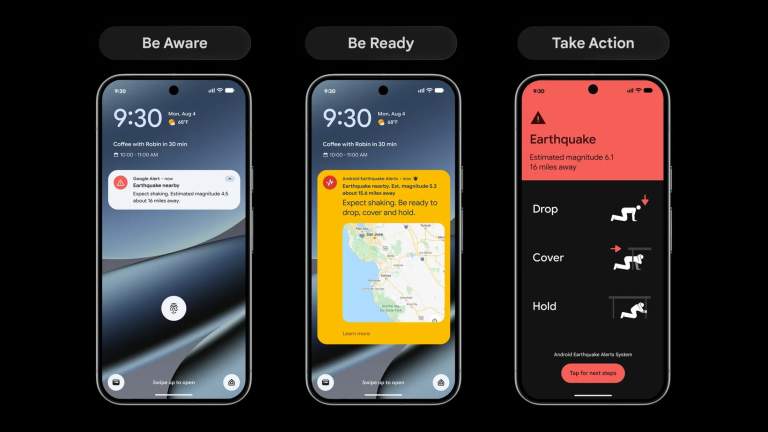
Android’s Earthquake Alerts system is expanding to many more countries and regions this week.…
Next Post
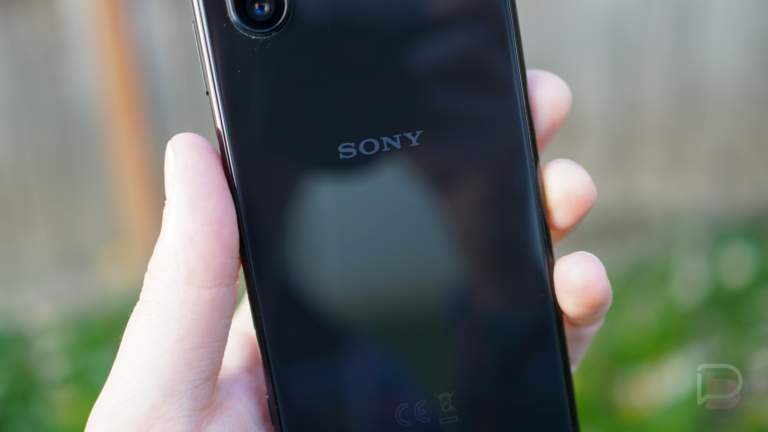
Sony, in an attempt to become one of the worst Android OEMs at supporting…
| # | Наименование новости | Тональность | Информативность | Дата публикации |
|---|---|---|---|---|
| 1 | Check if a text message is a scam using Circle to Search. | 0 | 11.52 | 15-10-2026 |
| 2 | Google Messages adding ‘enhanced protection mode’ as Android works to combat phone scam | 0 | 19.33 | 14-10-2026 |
| 3 | Google Adds Enhanced Protection Mode to Google Messages and Expands Android Scam Alerts Beyond Pixel | 0 | 4.1 | 15-10-2026 |
| 4 | Google Messages starts rolling out custom ‘Chat themes’ [U] | 0 | 5 | 26-06-2026 |
| 5 | Google Messages hits 10 billion downloads as Phone app reaches 5 billion | 0 | 19.07 | 26-03-2026 |
| 6 | Google Business Profiles Adds Message Button With AI Agent | 0 | 5 | 26-06-2026 |
| 7 | I refuse to use Google Messages without changing these privacy settings | 0 | 10 | 13-08-2026 |
| 8 | 'What appears to be a simple scam message is often the visible end of a much larger transnational cybercriminal operation': Microsoft leads global takedown of phishing network which sent over a billion messages | 0 | 7.49 | 15-10-2026 |
| 9 | Waze Adds Less Chatty Mode and Gemini-Powered Conversational Search on Android | 0 | 7.23 | 14-07-2026 |